
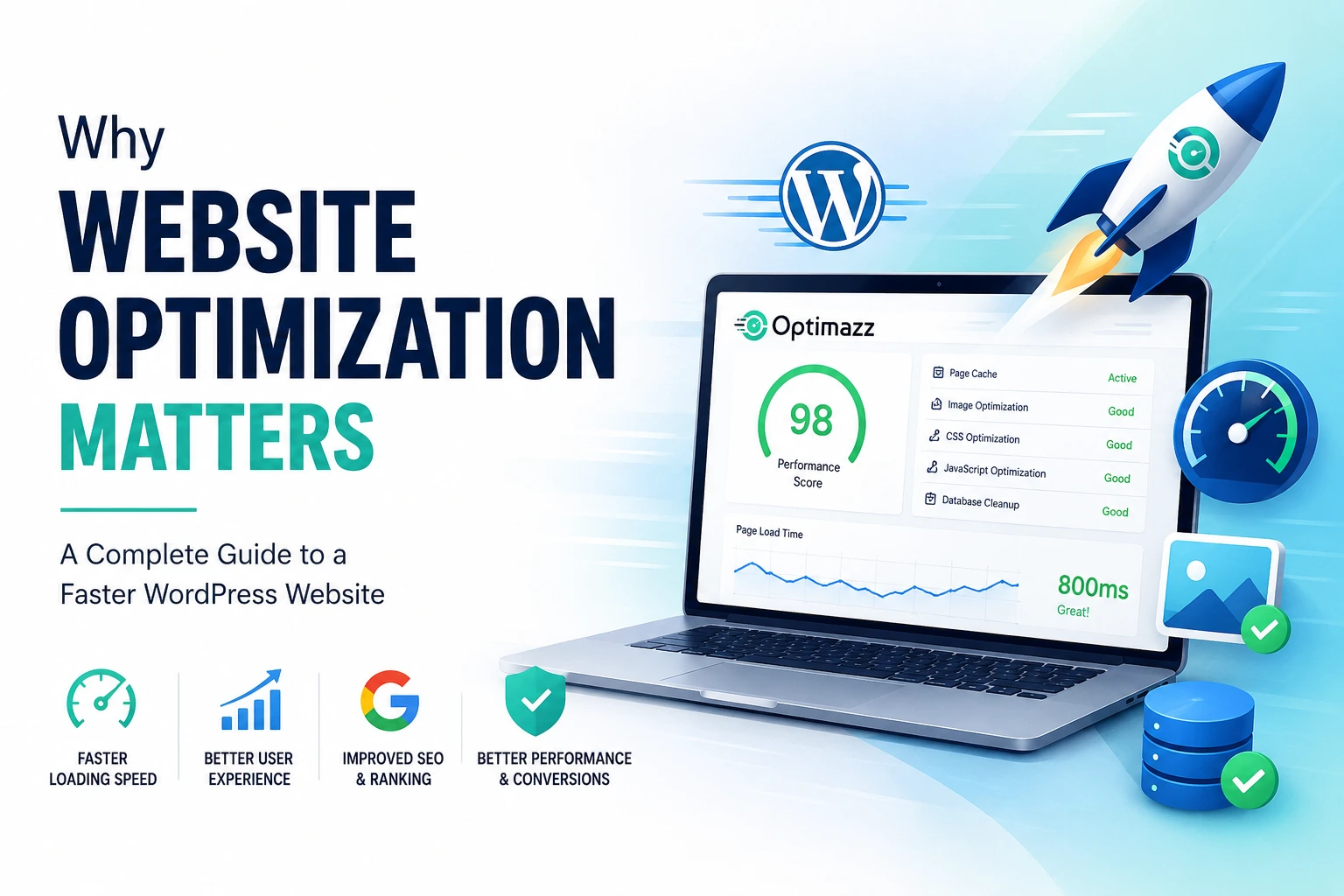
A website can look great, have useful content, and offer exactly what visitors are looking for—but if it takes too long to load, people may leave before they even see it.
Website speed has become an important part of the overall user experience. This is especially true for WordPress websites, where themes, plugins, images, scripts, fonts, and other resources can gradually make a site heavier.
That’s where website optimization comes in. For WordPress websites, effective website optimization can help improve loading speed, responsiveness, and overall performance.
Website optimization is not simply about getting a higher score on a speed-testing tool. It’s about making your website faster, more responsive, and more efficient while keeping everything working properly.
In this guide, we’ll look at why WordPress optimization matters, what commonly slows websites down, and how a WordPress optimization plugin like Optimazz can help.
What Is Website Optimization for WordPress?
WordPress website optimization is the process of improving the speed, performance, and efficiency of a WordPress website.
There isn’t one single optimization technique that fixes everything. A fast website usually requires several improvements working together.
These can include:
- Page caching
- Image optimization
- CSS optimization
- JavaScript optimization
- Font optimization
- Lazy loading
- Database cleanup
- Reducing unnecessary requests
- Optimizing how resources are loaded
- Improving Core Web Vitals
The goal isn’t to remove everything from your website. The goal is to make sure your website loads the resources it actually needs as efficiently as possible.
Why Is Website Speed Important?
Think about the last time you visited a website that took several seconds to load. You probably didn’t sit there thinking, “I’ll wait another 10 seconds.”
You likely went back or opened another website.
Your visitors behave in much the same way.
A slow WordPress website can make browsing frustrating, especially when users are visiting from mobile devices or slower internet connections.
For an online store, the impact can be even more noticeable. If product pages, category pages, or the checkout experience feel slow, visitors may simply give up.
A faster website makes it easier for people to:
- Find information
- Browse products
- Read articles
- Navigate between pages
- Submit forms
- Complete purchases
That’s why website speed optimization should be considered part of maintaining a good website—not something you only think about when a speed test gives you a low score.
1. A Faster Website Creates a Better User Experience
The first and most obvious benefit of optimization is a better browsing experience.
When pages load quickly, visitors can get to the information they need without waiting around.
This matters even more on mobile devices. Mobile users may be dealing with slower connections, smaller screens, and limited resources, so a lightweight website can make a noticeable difference.
A well-optimized website should feel responsive as visitors move from one page to another.
2. WordPress Websites Can Become Slow Over Time
WordPress itself isn’t necessarily slow. In many cases, performance problems come from how a website is built and what has been added to it.
As a website grows, you might install more plugins, add new features, upload larger images, embed third-party services, and publish more content.
Over time, your website may end up loading:
- Large images
- Multiple CSS files
- JavaScript files
- Web fonts
- Plugin assets
- Tracking scripts
- Third-party resources
- Unused or unnecessary code
Each resource adds some amount of work to the page.
One plugin or one image may not cause a noticeable problem. But dozens of small inefficiencies can add up.
This is one of the main reasons WordPress performance optimization should be part of regular website maintenance.
3. Core Web Vitals Matter
If you’ve ever tested a website using Google PageSpeed Insights, you’ve probably seen the term Core Web Vitals.
Core Web Vitals focus on important aspects of the real user experience.
The main metrics are:
LCP — Largest Contentful Paint
LCP measures how quickly the main content of a page becomes visible.
A slow LCP can make visitors feel like the page isn’t loading properly.
INP — Interaction to Next Paint
INP looks at how quickly a page responds when a visitor interacts with it.
For example, when someone clicks a button, opens a menu, or interacts with a form, the website should respond quickly.
CLS — Cumulative Layout Shift
CLS measures unexpected movement of content while a page loads.
For example, if you’re about to click a button and an image suddenly loads above it and moves the button, that’s a poor experience.
Optimizing your website can help improve these areas, but don’t make the mistake of optimizing only for a score.
A website with a perfect-looking score isn’t useful if the actual website is broken or difficult to use.
The real goal is a fast, stable, and functional website.
4. Images Can Have a Big Impact on Performance
Images are an important part of modern websites, but they’re also one of the easiest ways to accidentally increase page size.
For example, you might upload a 4 MB image when the website only needs a 200 KB version.
Multiply that by several images on a page, and the amount of data visitors need to download can become significant.
Good image optimization usually involves:
- Compressing images
- Using the correct image dimensions
- Avoiding unnecessarily large images
- Using modern formats such as WebP or AVIF
- Lazy-loading images when appropriate
The idea isn’t to make images look bad. It’s to deliver good-quality images without making visitors download unnecessary data.
5. CSS and JavaScript Can Affect Loading Performance
CSS controls how your website looks, while JavaScript adds functionality and interaction.
Both are important—but they can also contribute to slower page loading when too many resources are loaded unnecessarily.
A WordPress website may have CSS and JavaScript coming from:
- The theme
- Plugins
- Elementor or other page builders
- Analytics tools
- Marketing tools
- Third-party services
Some of these files may not be needed immediately when the page first loads.
Depending on the website, techniques such as CSS optimization, JavaScript optimization, minification, deferring scripts, and prioritizing critical resources can help reduce the amount of work required during the initial page load.
However, these features need to be configured carefully. Aggressive optimization can sometimes break layouts or website functionality.
6. Caching Can Make a WordPress Website Faster
Caching is one of the most useful techniques for improving WordPress performance.
Normally, WordPress may need to process PHP code, communicate with the database, and build a page when a visitor requests it.
With page caching, a previously generated version of the page can be stored and served more quickly.
This can reduce server processing and improve response times.
For many WordPress websites, a good caching setup can make a significant difference.
But caching isn’t completely “set it and forget it.” Dynamic websites, logged-in users, shopping carts, checkout pages, and other personalized content may require special handling.
That’s why caching should be configured according to how your website actually works.
7. Don’t Forget Your WordPress Database
Your WordPress database stores a lot of information.
As your website grows, it can also collect data that you no longer need, such as:
- Old post revisions
- Trashed content
- Spam comments
- Temporary data
- Unused metadata
Regular database maintenance can help keep your WordPress installation cleaner and easier to manage.
However, database cleanup should always be done carefully.
Always create a backup before deleting database data.
Do You Need a WordPress Optimization Plugin?
You can optimize a WordPress website manually, but that can quickly become complicated.
You might need one tool for caching, another for image optimization, another for database cleanup, and additional settings for CSS, JavaScript, and fonts.
Managing everything separately can take time, especially if you’re responsible for several websites.
That’s where a WordPress optimization plugin can be useful.
Instead of checking different places for different performance settings, an optimization plugin can bring common optimization features into one dashboard.
This can be useful for:
- WordPress website owners
- Bloggers
- WooCommerce store owners
- Freelancers
- Agencies
- Developers
- Small businesses
How Optimazz Helps With WordPress Optimization
If you want to manage your WordPress performance from one place, Optimazz is built for exactly that purpose.
Optimazz is a WordPress performance optimization plugin that brings caching, optimization, and cleanup tools together in a single dashboard.
Depending on your website and configuration, Optimazz can help you manage areas such as:
- Page caching
- CSS optimization
- JavaScript optimization
- Image optimization
- WebP and AVIF
- Lazy loading
- Font optimization
- Database cleanup
- Cache management
Instead of jumping between several different tools, you can manage important performance settings from one place.
Want to Improve Your WordPress Website Performance?
If your WordPress website feels slow or you’re spending too much time managing different optimization tools, Optimazz can give you a simpler way to manage your site’s performance.
Website Optimization Isn’t a One-Time Task
One of the biggest mistakes website owners make is thinking optimization only needs to be done once.
Your website is constantly changing.
You might:
- Install a new plugin
- Change your theme
- Add new images
- Publish more content
- Add tracking scripts
- Install a page builder
- Add new WooCommerce products
- Add third-party services
Any of these changes can affect performance.
That’s why it’s a good idea to test your website periodically and keep an eye on how it performs over time.
Tools such as PageSpeed Insights, Lighthouse, and browser developer tools can help you identify performance issues.
How to Optimize a WordPress Website
If you’re not sure where to start, don’t try to change everything at once.
Follow a simple process.
Step 1: Test Your Website
Start with a performance test.
Find out what’s actually slowing the website down before changing anything.
Step 2: Optimize Your Images
Check for oversized images and compress them where necessary.
Use modern image formats such as WebP or AVIF when appropriate.
Step 3: Enable Caching
Set up page caching to reduce unnecessary server processing and improve page delivery.
Step 4: Review CSS and JavaScript
Check which files are being loaded and whether they can be optimized or loaded more efficiently.
Step 5: Optimize Fonts
Avoid loading unnecessary font families and font weights.
Only load the variations your website actually needs.
Step 6: Clean Up Your Database
Remove unnecessary database data carefully.
Remember to create a backup before performing cleanup.
Step 7: Test Everything Again
After making changes, test your website again.
Don’t assume that an optimization setting is safe just because it improved a speed score. Check your pages, menus, forms, checkout, animations, and other important functionality.
Why WordPress Optimization Matters
A fast WordPress website is easier and more enjoyable for visitors to use.
Good WordPress website optimization isn’t about installing every performance feature you can find. It’s about understanding what your website needs and making targeted improvements.
Caching, image optimization, CSS and JavaScript optimization, font management, and database cleanup can all contribute to a better-performing website when configured correctly.
And you don’t have to manage everything manually.
A dedicated WordPress optimization plugin can simplify the process by bringing important performance tools into one place.
If you’re looking for a centralized solution for caching, optimization, and cleanup, Optimazz can help you manage your WordPress website’s performance from a single dashboard.
Try Optimazz Free
Want to start improving your WordPress website without committing to a paid plan? Optimazz offers a free plan with essential performance optimization tools to help you get started.
Explore the available features and see how Optimazz can simplify your WordPress optimization workflow.