
A fast website is essential for creating a better user experience, keeping visitors engaged, and building a successful online presence. But achieving good performance on WordPress often means dealing with caching, CSS, JavaScript, images, fonts, and other optimization settings.
This is where Optimazz can help.
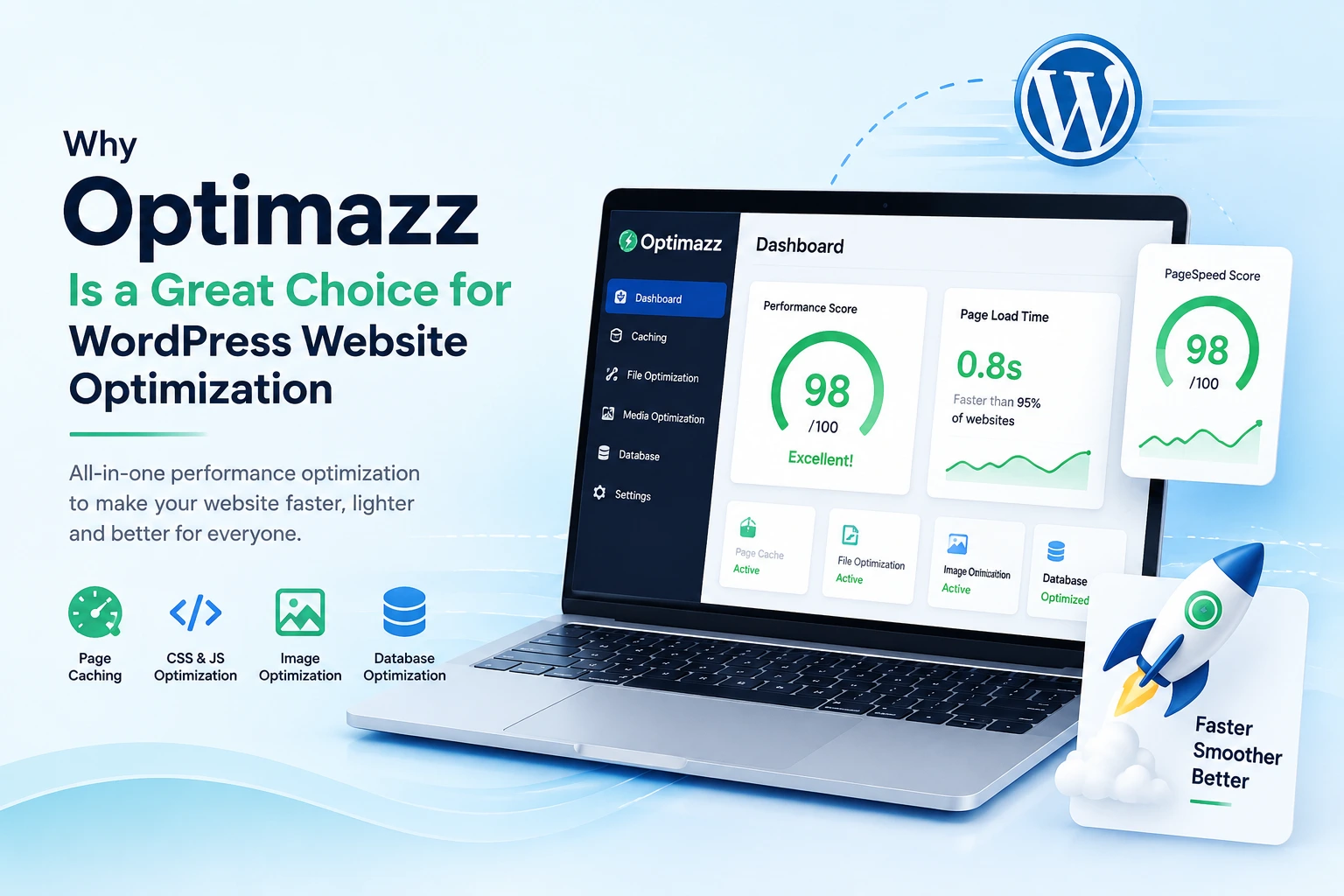
Optimazz is a WordPress performance optimization plugin designed to make website optimization simpler by bringing essential performance tools together in one place.
What Makes Optimazz Different?
Optimizing a WordPress website shouldn’t require managing several different plugins or complicated technical settings. Optimazz brings multiple performance-focused features together so you can improve your website without spending hours configuring individual tools.
Whether you run a blog, business website, portfolio, or WooCommerce store, Optimazz provides tools designed to help your website load faster and deliver a smoother experience.
1. Improve Your Website’s Loading Speed
Website speed matters. When pages take too long to load, visitors may leave before they see your content.
Optimazz helps reduce unnecessary loading and optimize how your website’s resources are delivered. With the right settings enabled, you can improve page loading performance and create a faster browsing experience for your visitors.
2. Smart Page Caching
Caching is one of the most important parts of WordPress performance optimization.
Instead of generating every page from scratch whenever someone visits your website, caching can store a ready-to-serve version of your pages. This can reduce server processing and help pages load more quickly for returning and new visitors.
Optimazz provides page caching tools that make it easier to manage this important part of website optimization.
3. Optimize CSS and JavaScript
WordPress websites often load many CSS and JavaScript files from themes, plugins, and other features.
Too many or unnecessarily large files can affect loading performance.
Optimazz includes file optimization features that can help reduce the impact of these resources. Depending on your website configuration, you can optimize the way CSS and JavaScript resources are handled to improve overall performance.
4. Optimize Images
Images are an important part of modern websites, but large image files can significantly increase page size.
Optimazz provides image optimization features designed to help reduce image-related page weight while maintaining good visual quality.
Optimizing images can be especially useful for blogs, portfolios, WooCommerce stores, and websites that use many visual elements.
5. Improve the Visitor Experience
Performance isn’t only about achieving a high score on a testing tool.
A faster website feels better to use.
When pages load quickly, visitors can access your content sooner, navigate between pages more easily, and interact with your website with less waiting.
Optimazz focuses on practical website performance improvements that can contribute to a smoother overall user experience.
6. Reduce the Need for Multiple Optimization Tools
WordPress has a huge ecosystem of plugins, and it’s common for website owners to install different plugins for caching, image optimization, CSS optimization, JavaScript optimization, and other performance tasks.
However, managing multiple optimization plugins can make configuration more complicated and may sometimes create conflicts.
Optimazz aims to bring important optimization features into one performance-focused plugin, giving WordPress users a more centralized way to manage their website’s performance.
7. Simple Optimization for WordPress Users
Website optimization can become confusing when every feature comes with technical terminology and complicated settings.
Optimazz is designed with a focus on making performance optimization easier to manage from the WordPress dashboard.
You can choose the optimization features that fit your website and gradually improve your setup instead of trying to configure everything at once.
8. Useful for Different Types of Websites
Optimazz isn’t limited to one type of WordPress website.
It can be useful for:
- Business websites
- Blogs and content websites
- Portfolio websites
- Agency websites
- WooCommerce stores
- Service websites
- WordPress landing pages
Different websites have different performance requirements, so optimization settings should always be tested carefully after making changes.
Why Choose Optimazz?
There are many WordPress performance plugins available, but choosing the right solution depends on your website, hosting environment, and optimization requirements.
Optimazz provides a convenient approach by combining several important performance features in one place.
Instead of treating website speed as a single setting, it gives you tools to work on different parts of your WordPress website, including caching, files, images, and other performance-related areas.
Why Optimazz Is Worth Using
A fast WordPress website can provide a better experience for visitors and make your website feel more responsive and professional.
Optimazz makes the optimization process easier by bringing essential performance tools together in one WordPress plugin.
If you’re looking for a straightforward way to start improving your WordPress website’s performance, Optimazz can be a useful addition to your optimization toolkit.
Start with the features your website needs, test the results, and continue optimizing as your website grows.